Everything the studio can do, and what people make with it
RETROPRINT is a design studio in your browser. It gives a photo the look of a risograph print (a few bright inks, halftone dots, colours a little out of line), then lets you lay it out as a card, a poster or a print to frame. This page is the whole list, said plainly.
Turn a photo into a risograph-style print
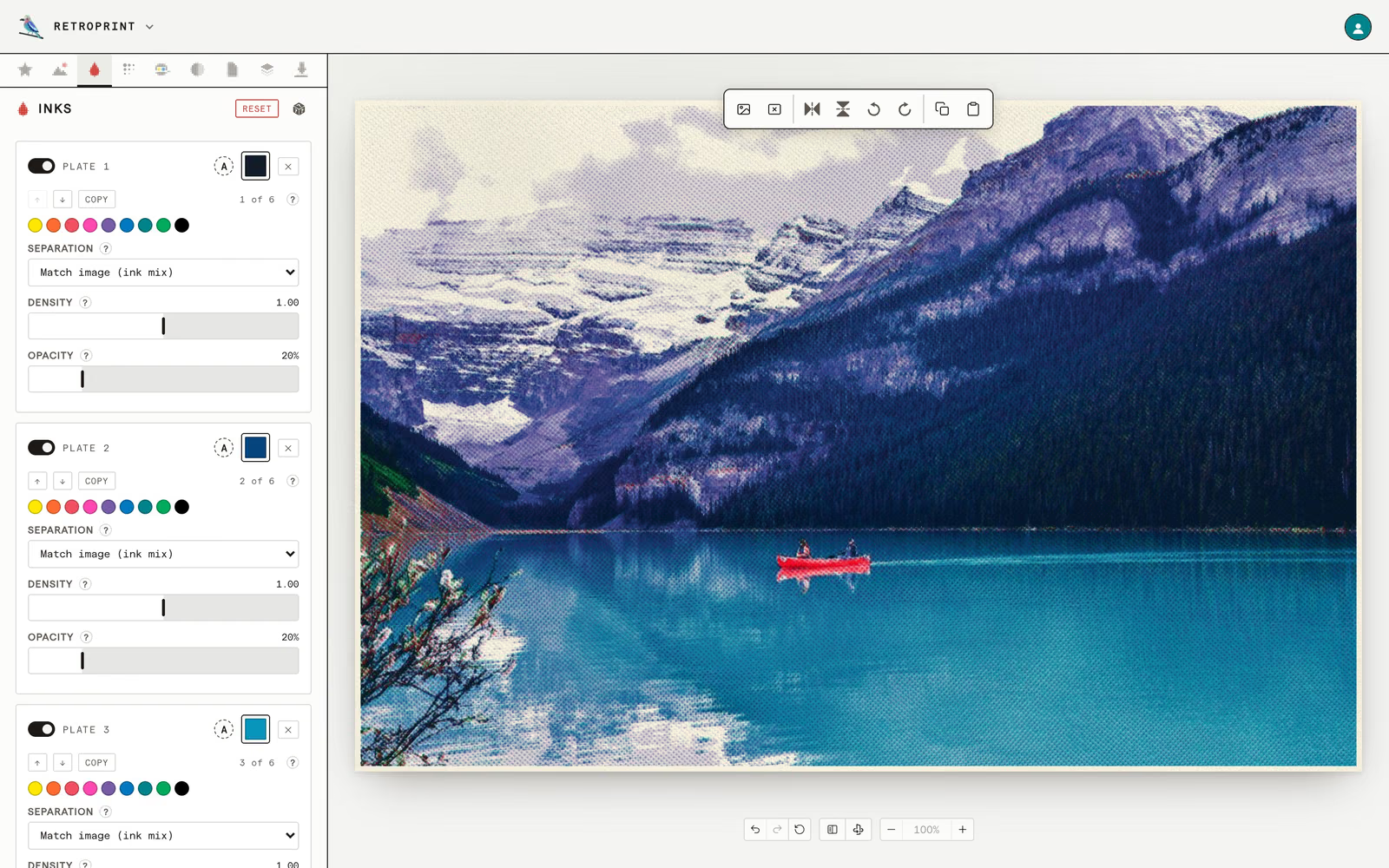
A risograph prints one colour at a time, each from its own plate. The studio splits your photo the same way, and you choose the inks.
Twenty looks to start from
A one-ink zine black, two-ink duotones, three bright inks, a CMYK newspaper. Pick one, or re-roll the inks until a mix suits the photo.
Up to eight ink plates
Each plate prints one part of the picture: the shadows, the midtones, the highlights, one hue, or one of the four CMYK colours. Set how heavily each ink goes down and how much it hides the ones under it.
Riso colours, or any colour
Nine risograph inks are one click away, from Yellow and Fluorescent Pink to Teal and Black. Type any other colour as hex, RGB, HSL, OKLCH or CMYK, or let the studio pick the inks from the photo.
Halftone dots and grain
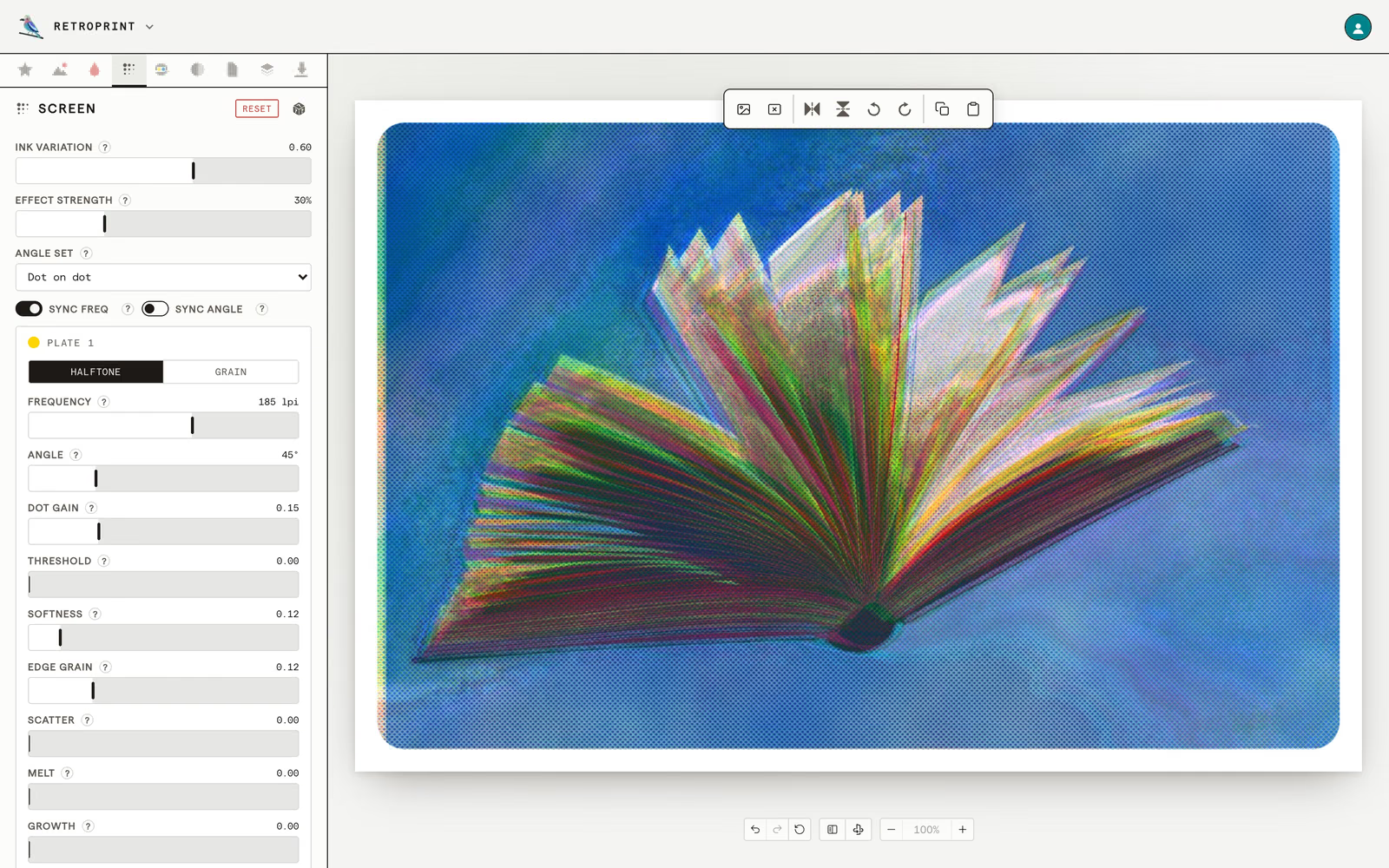
Every plate is screened, the way a press turns a grey into dots. You decide how coarse the screen is, and how neat.
Dots or grain, plate by plate
A plate can be a halftone screen or a random grain. Frequency sets how fine it is, from chunky comic-book dots to a smooth tone.
Screen angles and rosettes
Print-shop angle sets (the classic 15/75/45, diamond, shallow) weave the plates into rosettes. Dot on dot stacks the grids flat.
Dots that behave like ink
Dot gain swells them, softness blurs them, edge grain roughens them, scatter knocks them off the grid, and melt runs neighbours together like wet ink.
Misregistration and the marks of a press
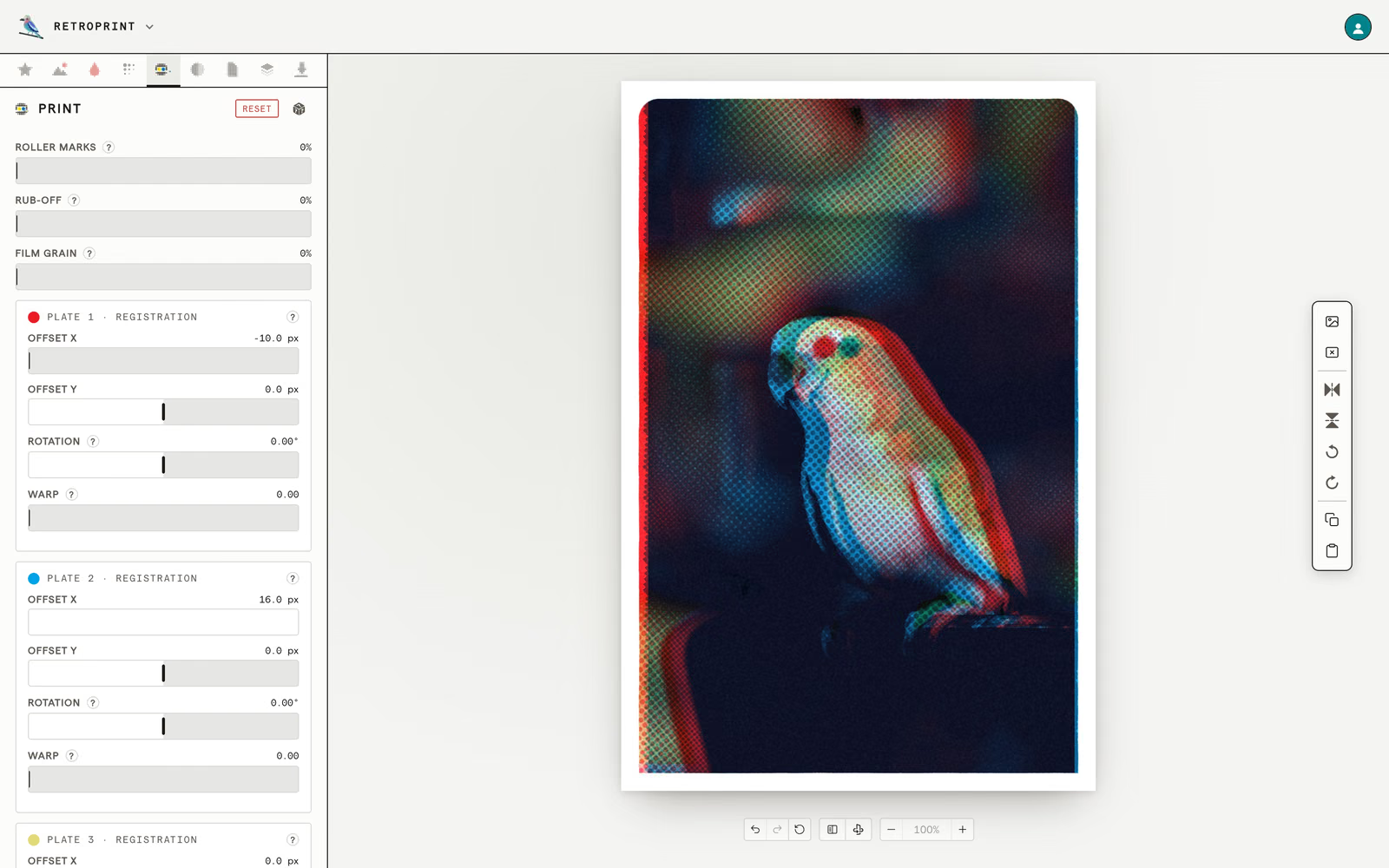
A real print is never quite lined up, and that is most of its charm. Here the faults go in on purpose.
Plates out of register
Slide, tilt or gently warp each plate, so a colour peeks out along an edge the way it does when a sheet goes through the machine twice.
Roller marks and rub-off
The smear a duplicator leaves down the middle of a sheet, and the ink scuffed off the solid areas where prints rubbed together in the stack.
Uneven ink and film grain
Blotchy coverage, like a hand-pulled squeegee, and a fine speckle over the whole print, like a scanned photograph.
Paper stocks and repeating patterns
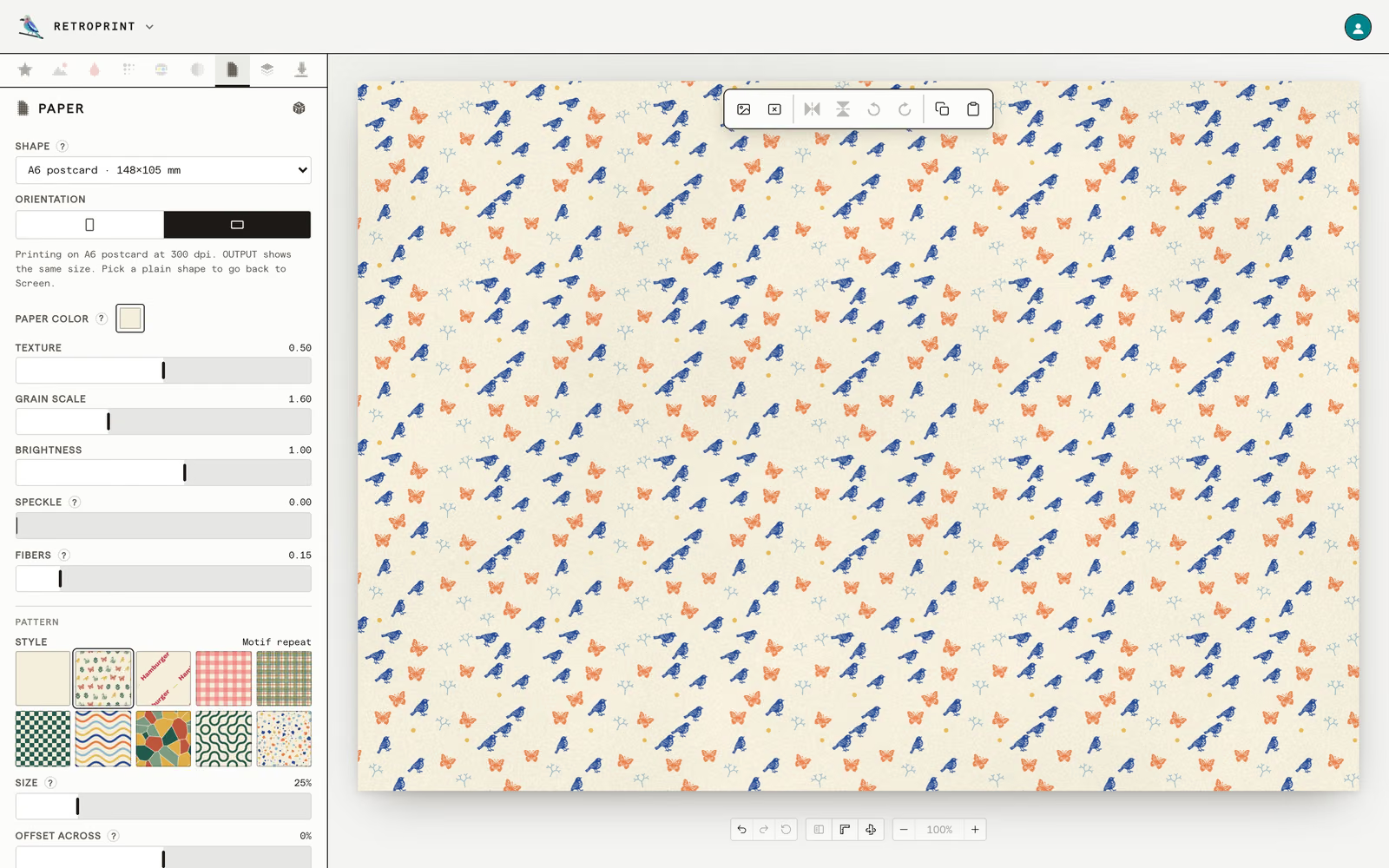
The paper is part of the print. Choose what it is made of, and what is printed on it before the photo.
Eight paper stocks
Clean white, warm natural, grey, recycled kraft, speckled, aged, marble and black, each with its own grain. Add fibres, flecks, veins or marks of use, or set any paper colour.
Nine patterns
Plaid, tartan, checks, waves, cells, Truchet tiles, terrazzo, rows of your own words, or a repeat of small motifs. Recolour one from a palette, or colour by colour.
Motifs from your own pictures
Drop in a drawing or a logo (PNG, JPEG, WebP or SVG) and the studio traces it into a motif that repeats across the sheet, on a grid, a half-drop or a scatter.
Text, stickers and drawing on top
A print becomes a card or a poster when something is written on it. Everything you add is a layer you can move, turn, lock and reorder.
Text in any language
Ten typefaces come with the studio, and any open-licence family from Google Fonts can be added. Set Chinese or Japanese top to bottom, or give the letters a hand-drawn outline, hatching or an ink bleed.
Stamps, shapes and borders
Postmarks, tape, labels, ribbons and seasonal stamps; the whole emoji keyboard; rectangles, ellipses, lines, arrows and stars; and frames like airmail stripes or a scalloped edge.
Eight things to draw with
Pen, fine liner, pencil, colour pencil, crayon, charcoal, pastel and marker, and an eraser. Pictures can be layers too, and align, distribute and the rulers line everything up.
Cards with a back, at real paper sizes
The sheet is a real size from the start, so what you see is what a printer will cut.
From a business card to a poster
A6, A5, 4 × 6 and 5 × 7 inches, a 5-inch square, business cards in the US, European, Japanese and Chinese sizes, or any size from 30 to 600 millimetres a side, tall or wide.
A front and a back
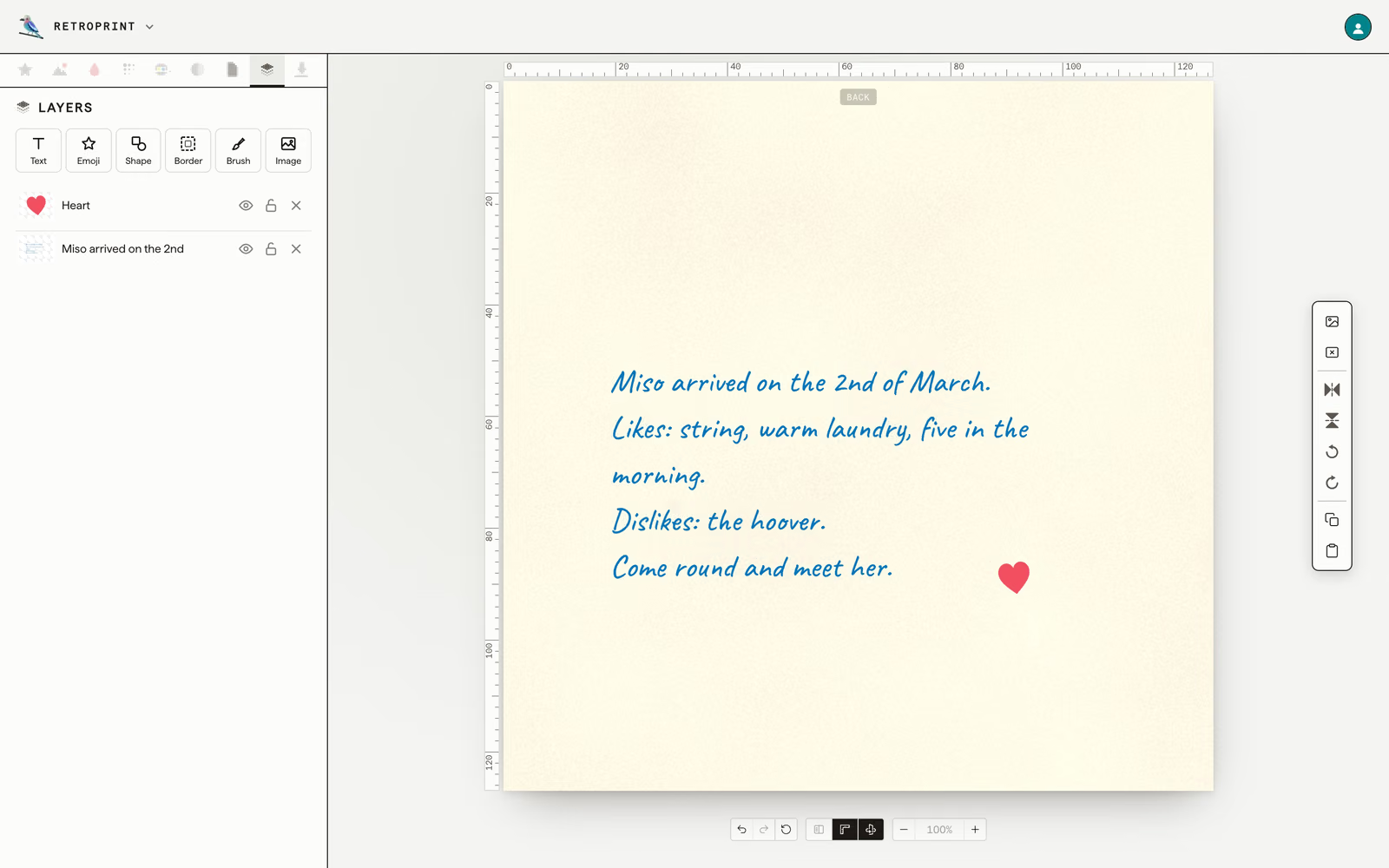
Turn the card over and design the other side: a letter, an address, a stamp frame and a postmark. The back comes with Plus and Pro.
Templates, or a blank card
Start from a wedding invitation, a Christmas card, a postcard or a party invitation and type over the words. Or start with no photo at all, and build the card from paper, pattern and type.
Print-ready files for a print shop
The studio makes the file, and any printer can print it. A free account saves a sample; a paid one saves the print.
Free: a marked sample
A PNG of about one megapixel, with a small retro-print.com mark. Every look, font and size is there to try before that.
Plus and Pro: the whole print
Up to 8192 pixels a side with no mark, as PNG, WebP or JPEG, or as a PDF at 300 dpi on the paper size you chose.
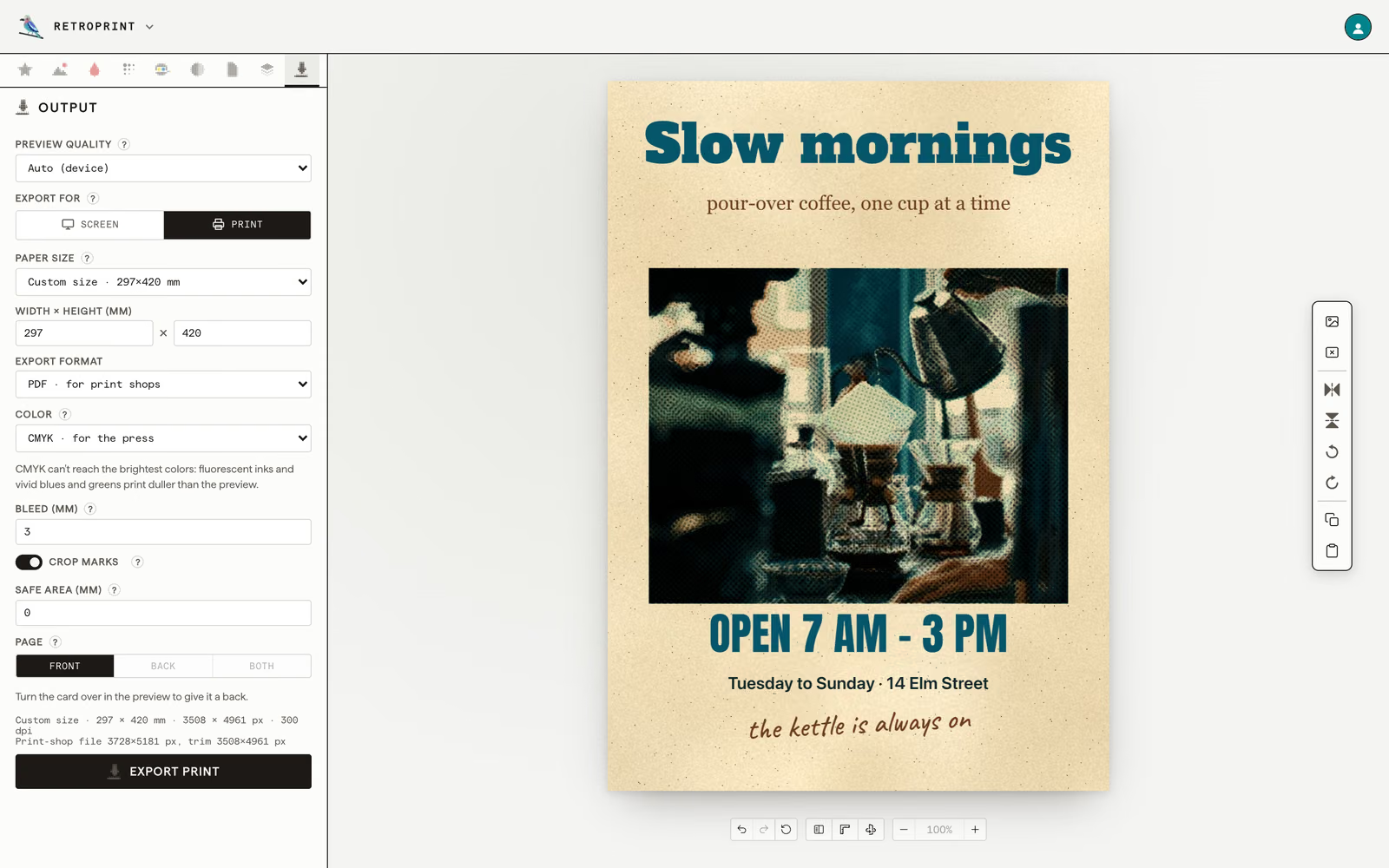
CMYK, bleed and crop marks
A PDF can be RGB or press CMYK (FOGRA39), with bleed past the cut line, crop marks, and both sides of a card as two pages. A dashed safe-area line on screen keeps the words clear of the cut.
-
Keep, share and publish
Designs save to your account and open on any device; a free account keeps three. Copy a whole design and paste it onto another photo. Share one as a view-only link, or publish it to the gallery, where a person looks at it first and anyone can then copy it into their own studio.
-
For scripts and AI agents
On a paid plan, an API key prints without a browser, through
POST /v1/prints. Theretroprint-mcpserver lets Claude Code, Claude Desktop, Cursor or any other MCP client turn a photo into a print and keep adjusting the design. -
In a browser, in six languages
Nothing to install. Drop in a JPEG, PNG, WebP or HEIC, or paste one from the clipboard. The studio speaks English, Spanish, Japanese, Korean and Traditional and Simplified Chinese, every change can be undone, and a short tour shows a first-time visitor around.
What people make with it
Most of it is for somebody else. The poster maker and the card maker each show one being made, a stage at a time.
Event and gig posters
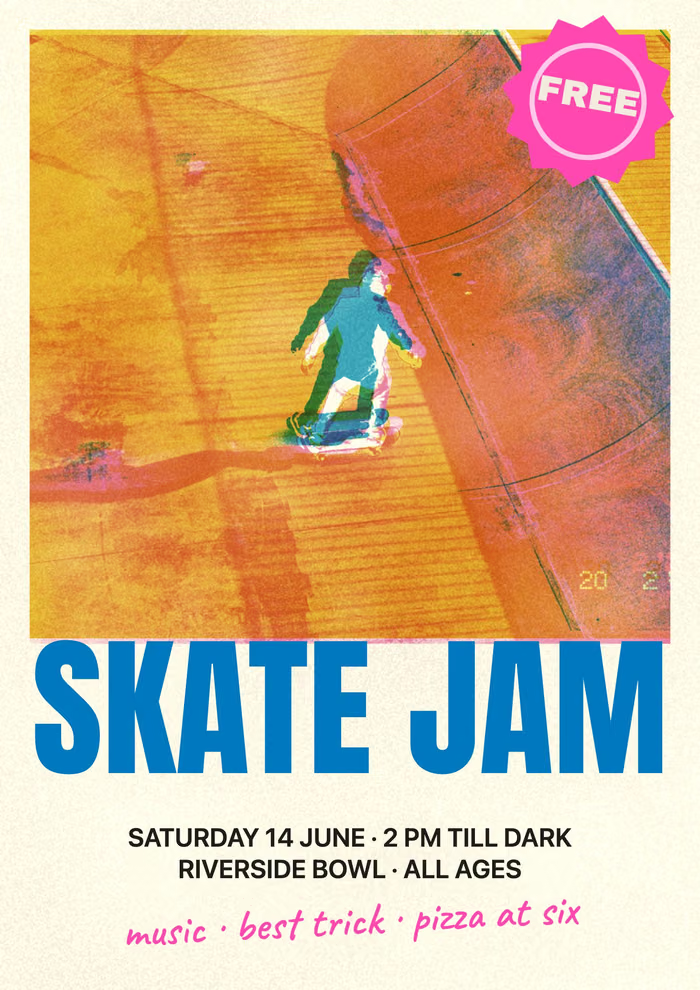
A photo on top, the name of the event in big letters, the date and the place under it. A3 for a wall, A5 for a flyer.
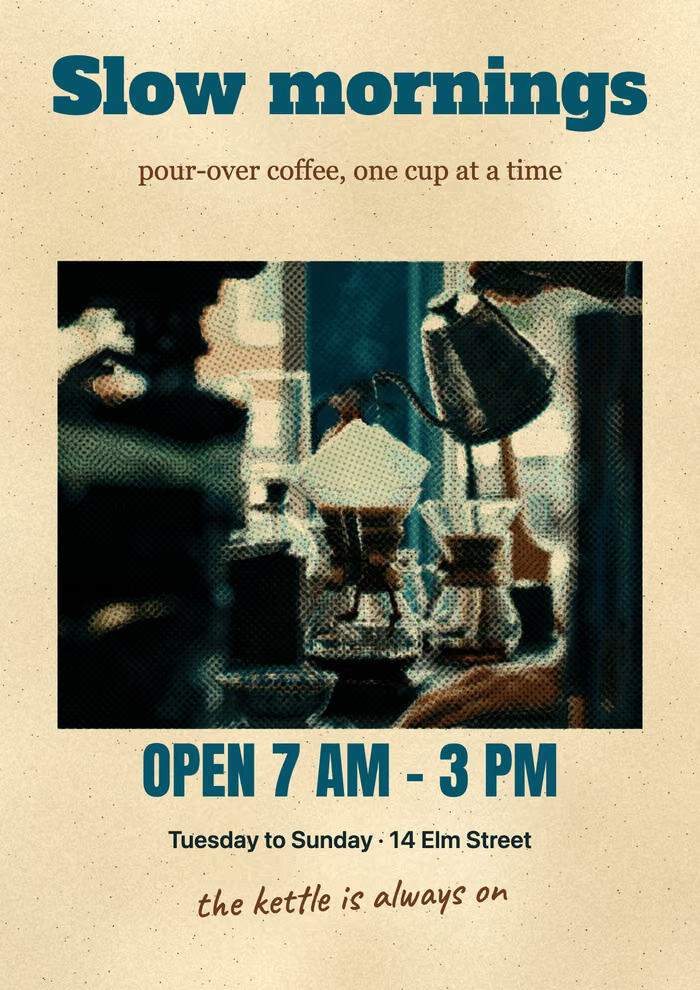
Café and shop posters
The opening hours for the window by the door, in the colours of the print above them.
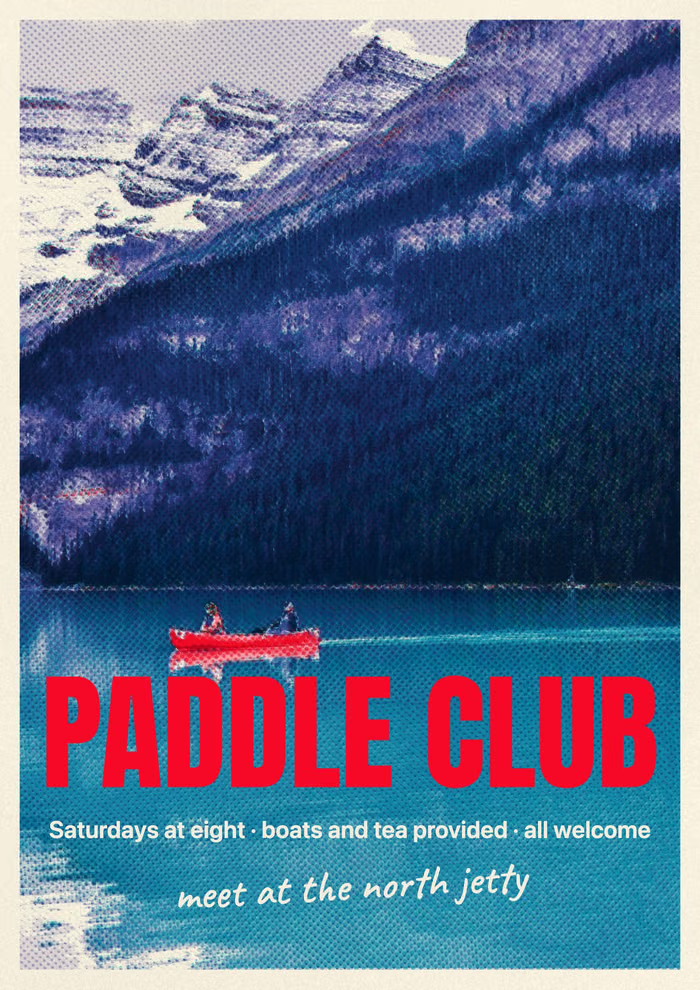
Club and community notices
A paddle club, a choir, a market: when and where, for the board everyone walks past.
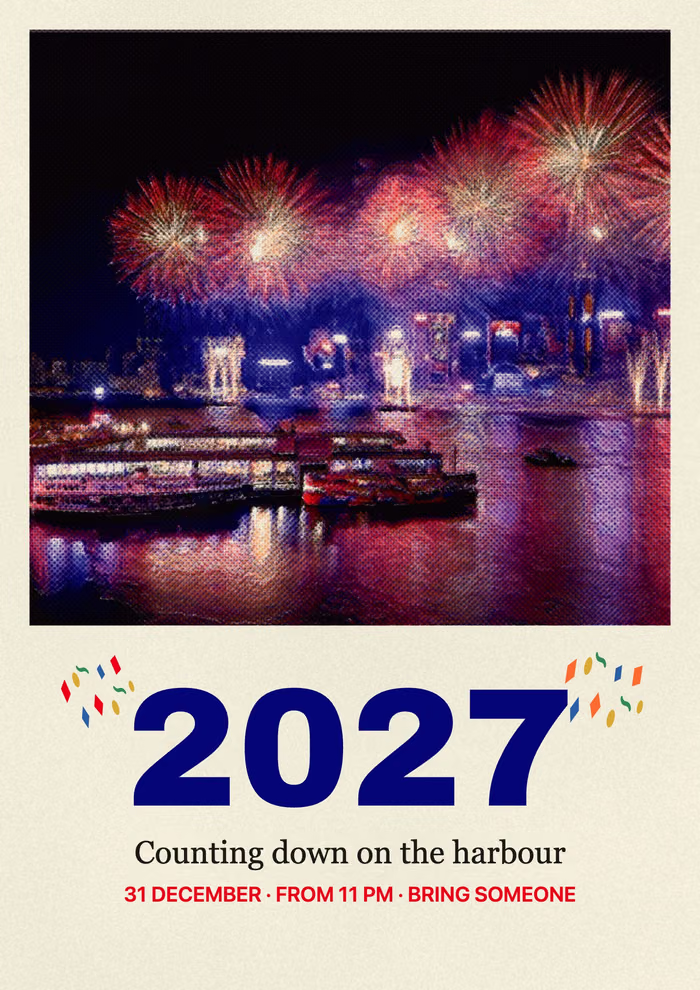
New Year and festival posters
Fireworks in a few inks and one large number, for a countdown, a night market or a street party.
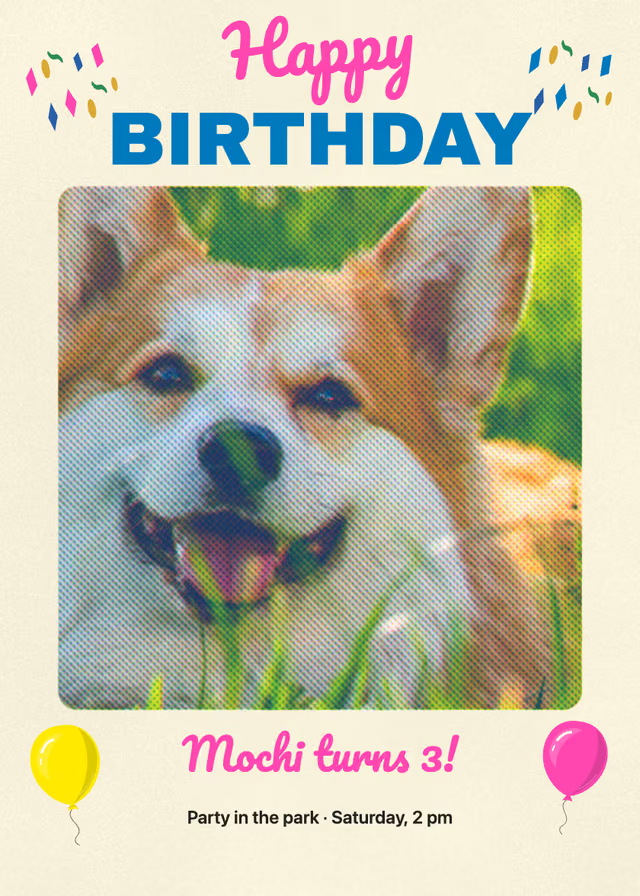
Birthday cards and party invitations
A photo of them, their name, and balloons and confetti from the stamps. The party template has the day, the time and the RSVP line waiting.
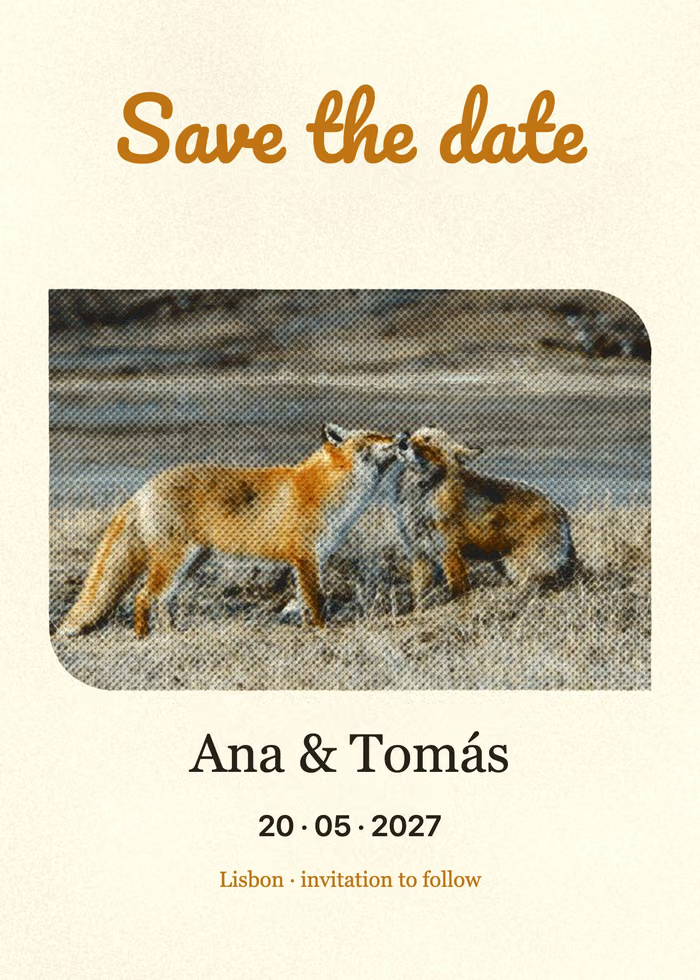
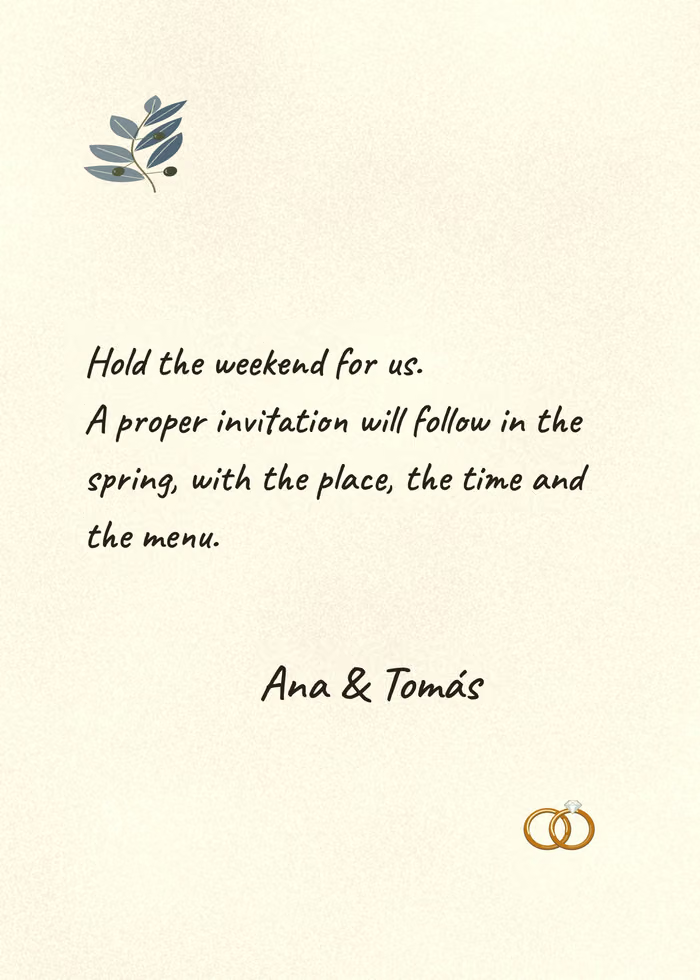
Wedding invitations and save-the-dates
5 × 7, with the day on the back. Chinese and Japanese can be set top to bottom.
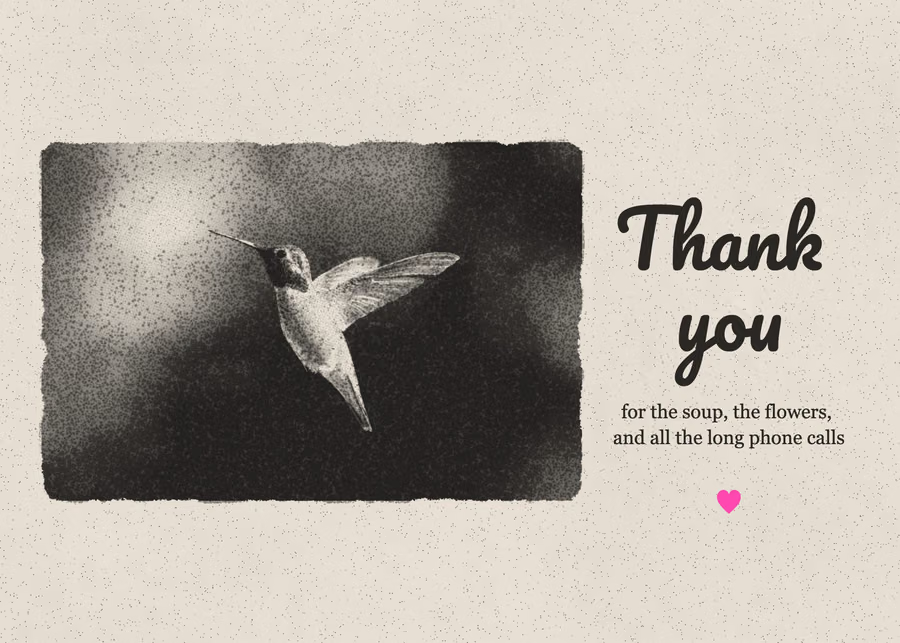
Thank-you cards
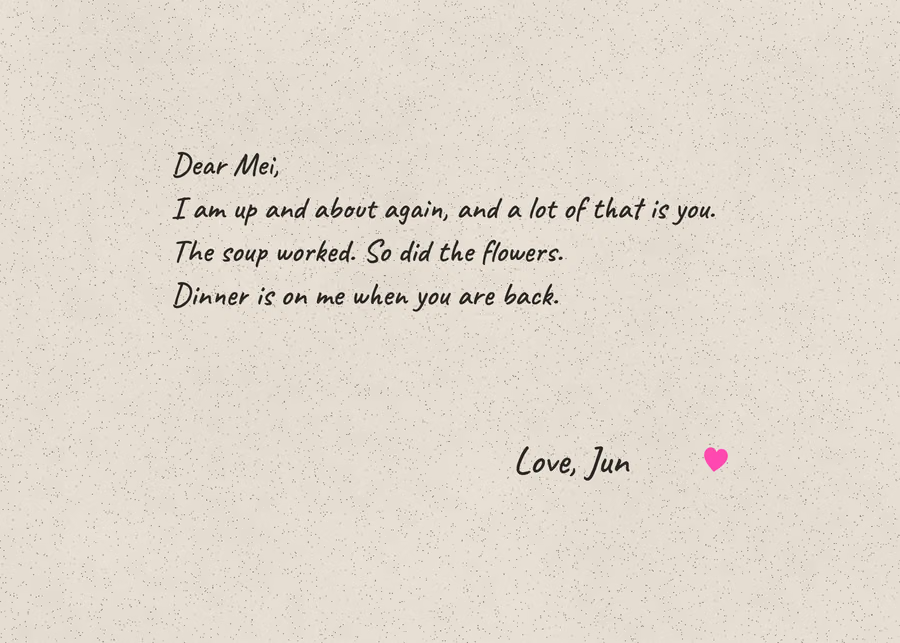
One ink, a short line on the front, and a letter in handwriting on the back.
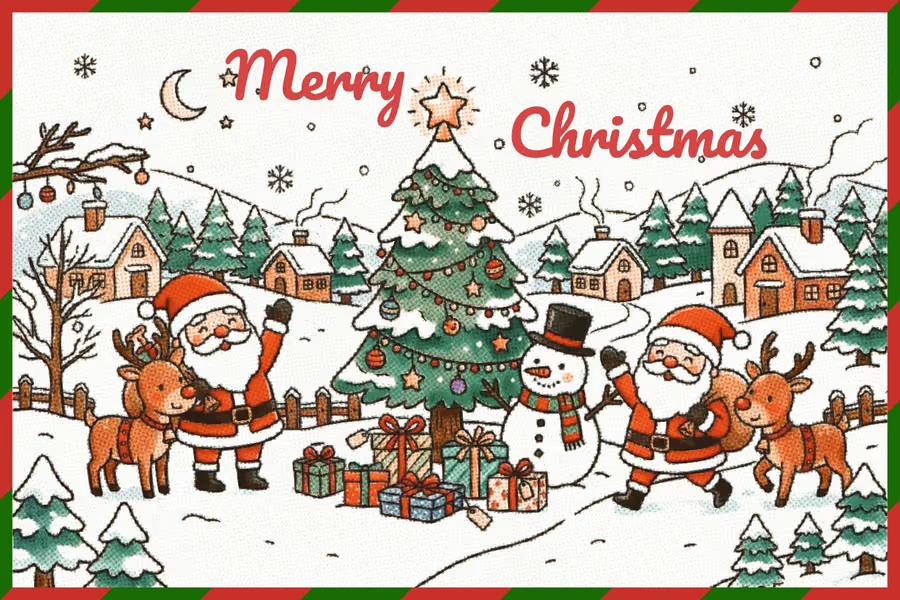
Christmas and holiday cards
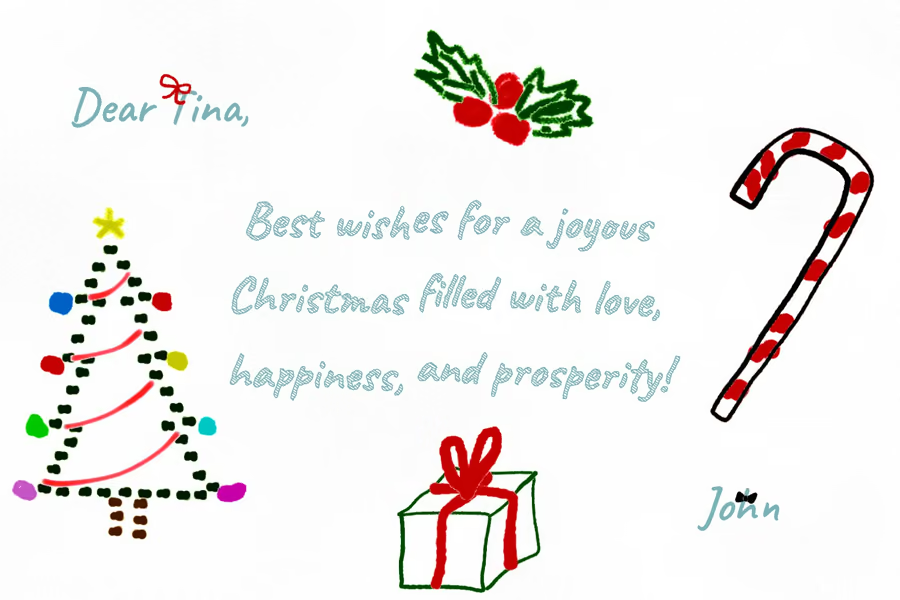
A picture on the front, a few words for them on the back, and holly, snowflakes and baubles to stamp.
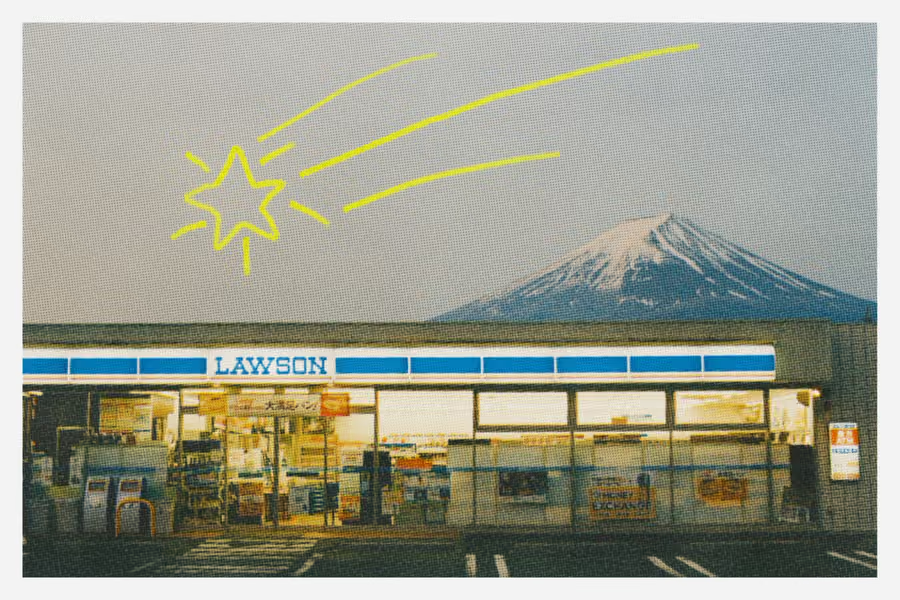
Postcards
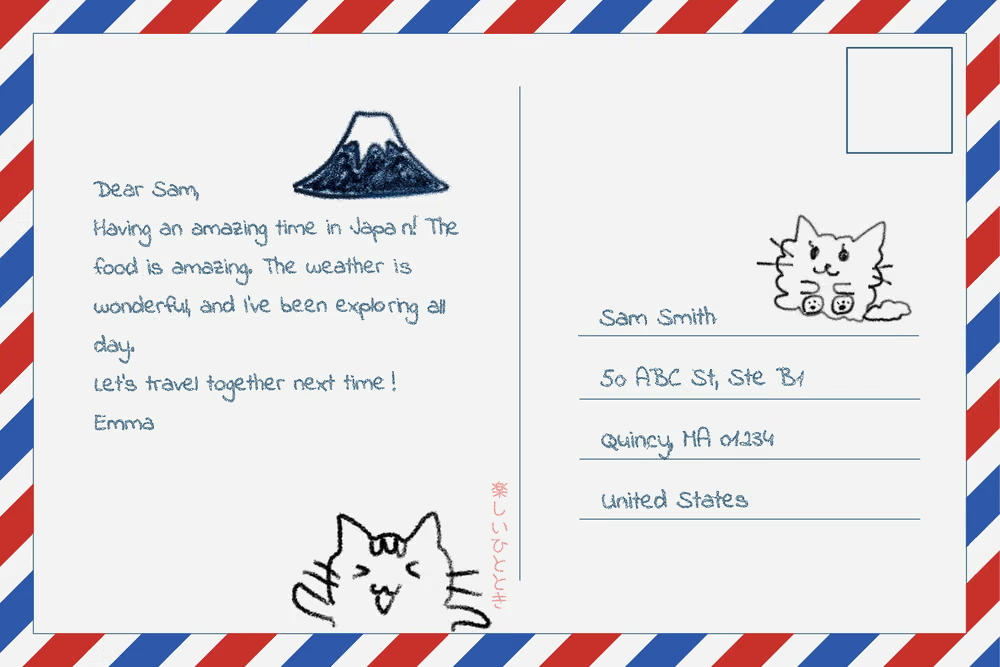
A6 or 4 × 6, a photo from wherever you went, and an address side with a stamp frame and a postmark.
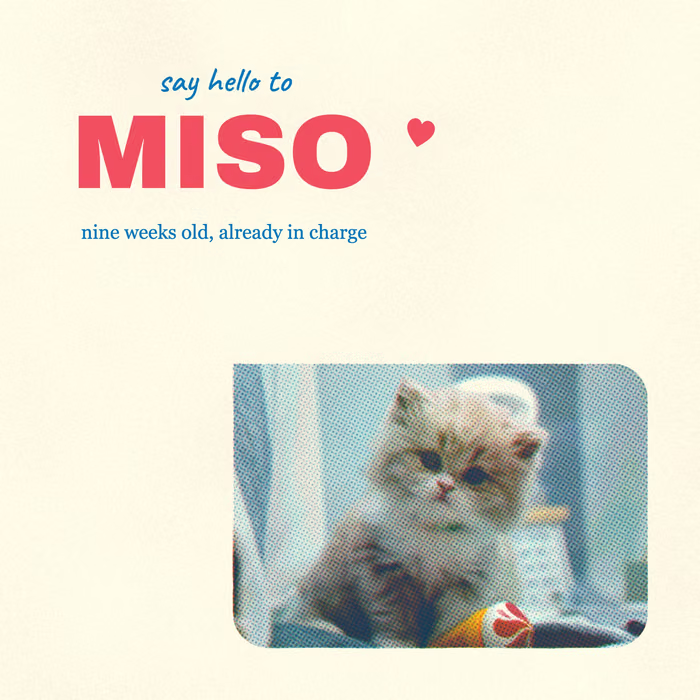
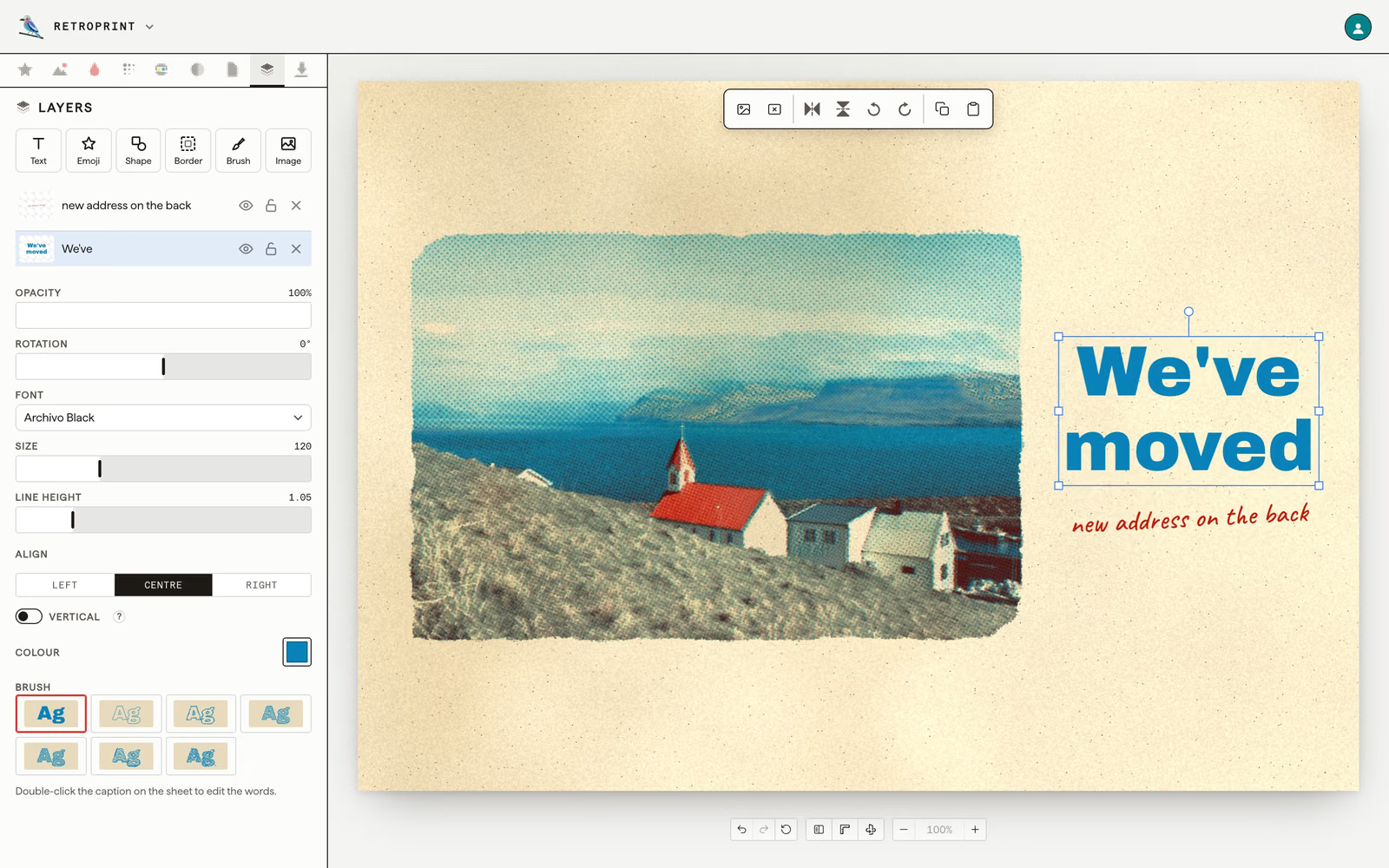
Moving and new-pet announcements
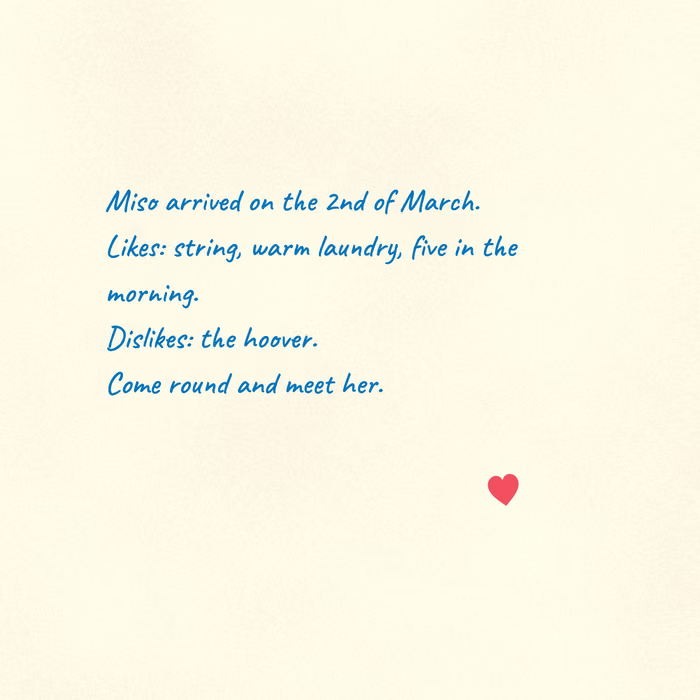
The new address, or the new cat's name, for the neighbours and the family.
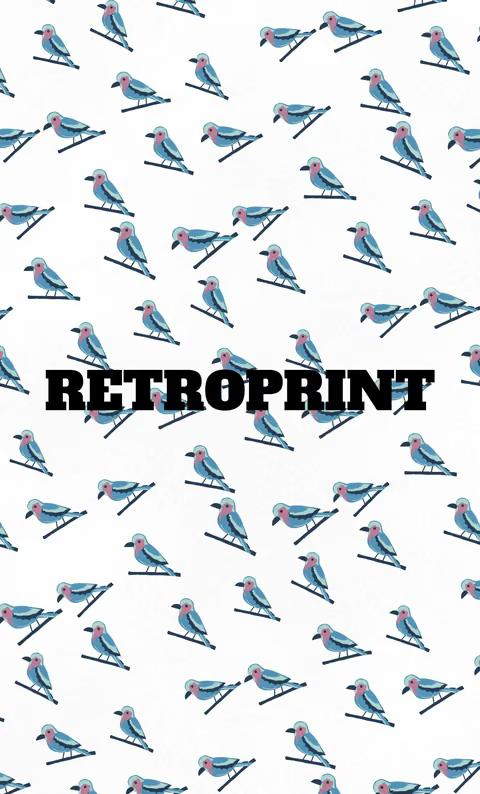
Business cards
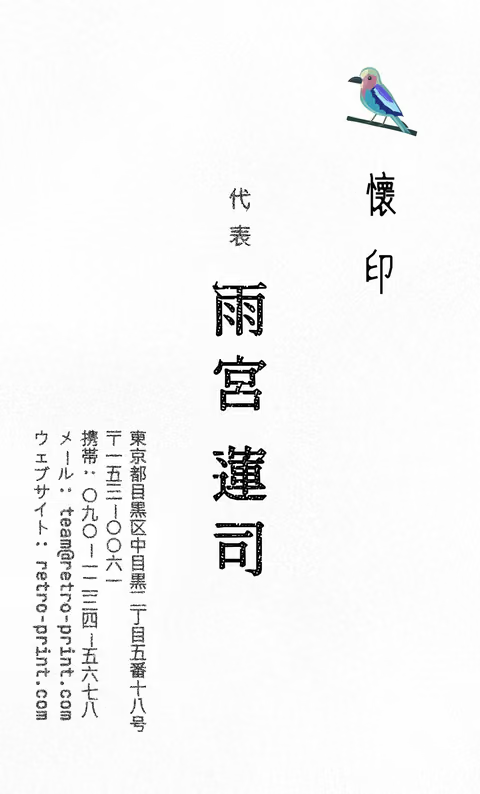
A pattern or a print on the front and the details on the back, in the US, European, Japanese or Chinese card size, or one you type in.
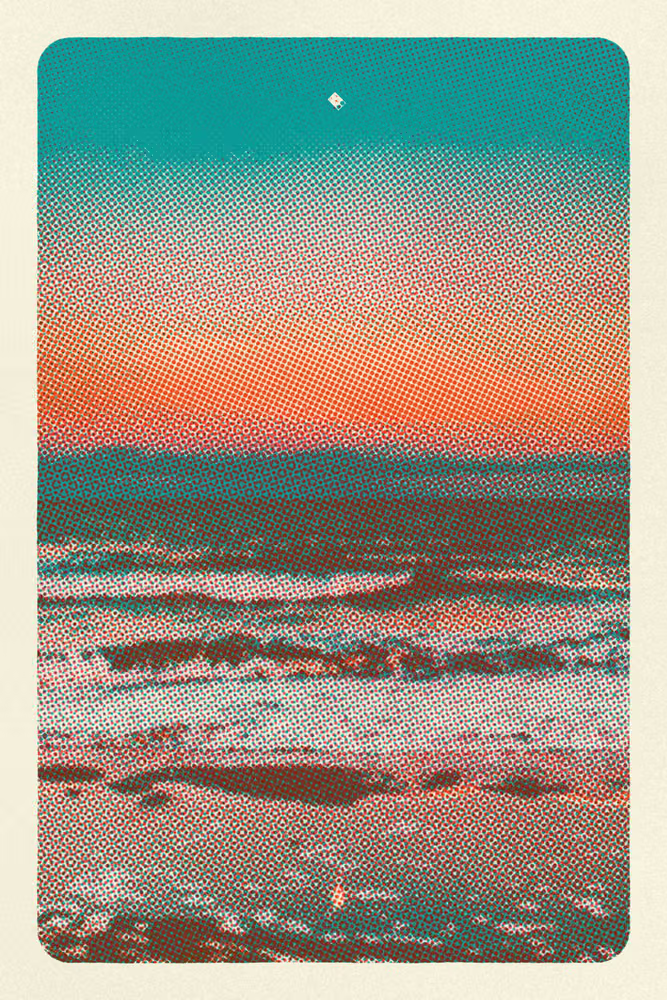
Art prints to frame
No words at all: a photo of yours in two or three inks, on paper with a tone, at the size of the frame.
What it does not do
- It does not print or post anything. It makes the file, and you take that to a print shop, a photo lab or your own printer.
- It is not a risograph machine. It makes a picture that looks as if one printed it, and any printer can print that picture. The guide is about the real machine.
- It does not make the picture for you. It starts from a photo or a drawing of yours, or from a blank card.
That is all of it. Now make something.
There's no rush. It's free to start, and the photos and the prints stay yours.
Also: the card maker · the poster maker · what a risograph print is · the pattern book